Rn Embedded Solution

Visual Git Tools That Keep Your Code Flowing

GitKraken gives development teams clear visual control over branches, commits, merge conflicts and pull requests, from GitKraken Desktop and GitLens to AI agent workflows, Jira integration and engineering insights. Trusted by over 50 million developers to move code from plan to main.

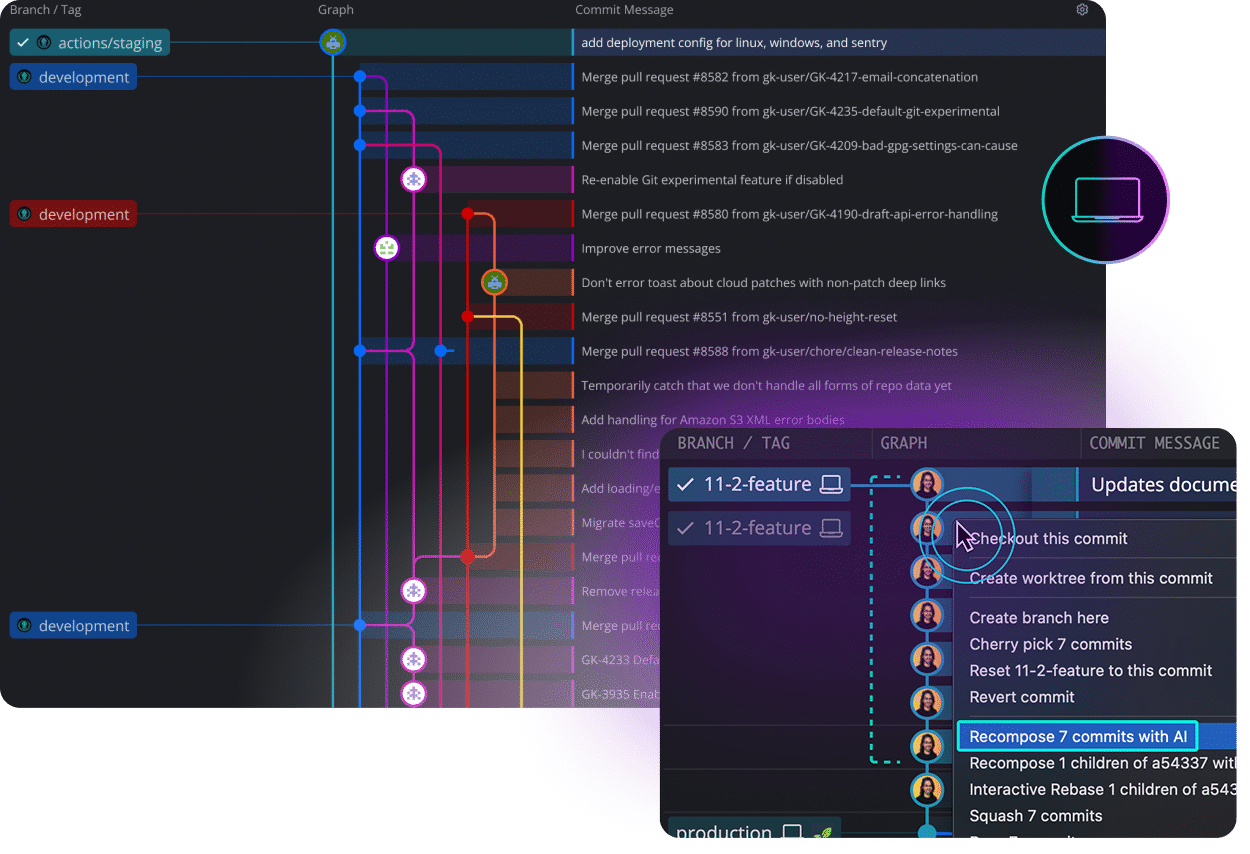
GitKraken Desktop visual Git client interface
About GitKraken

GitKraken: Visual Git and Code Flow Tools for Modern Development Teams

GitKraken builds developer tools that make Git easier to see, understand and control, from branches, commits and merge conflicts to pull requests and code reviews across GitHub, GitLab, Bitbucket and Azure DevOps.

As teams adopt AI coding assistants, GitKraken gives developers and engineering leaders clear oversight of every change, linking code to Jira planning and measuring delivery impact across people and agents.

50M+ Developers
100K+ Organizations
40M+ GitLens Installs
Repo Level

GitKraken Desktop

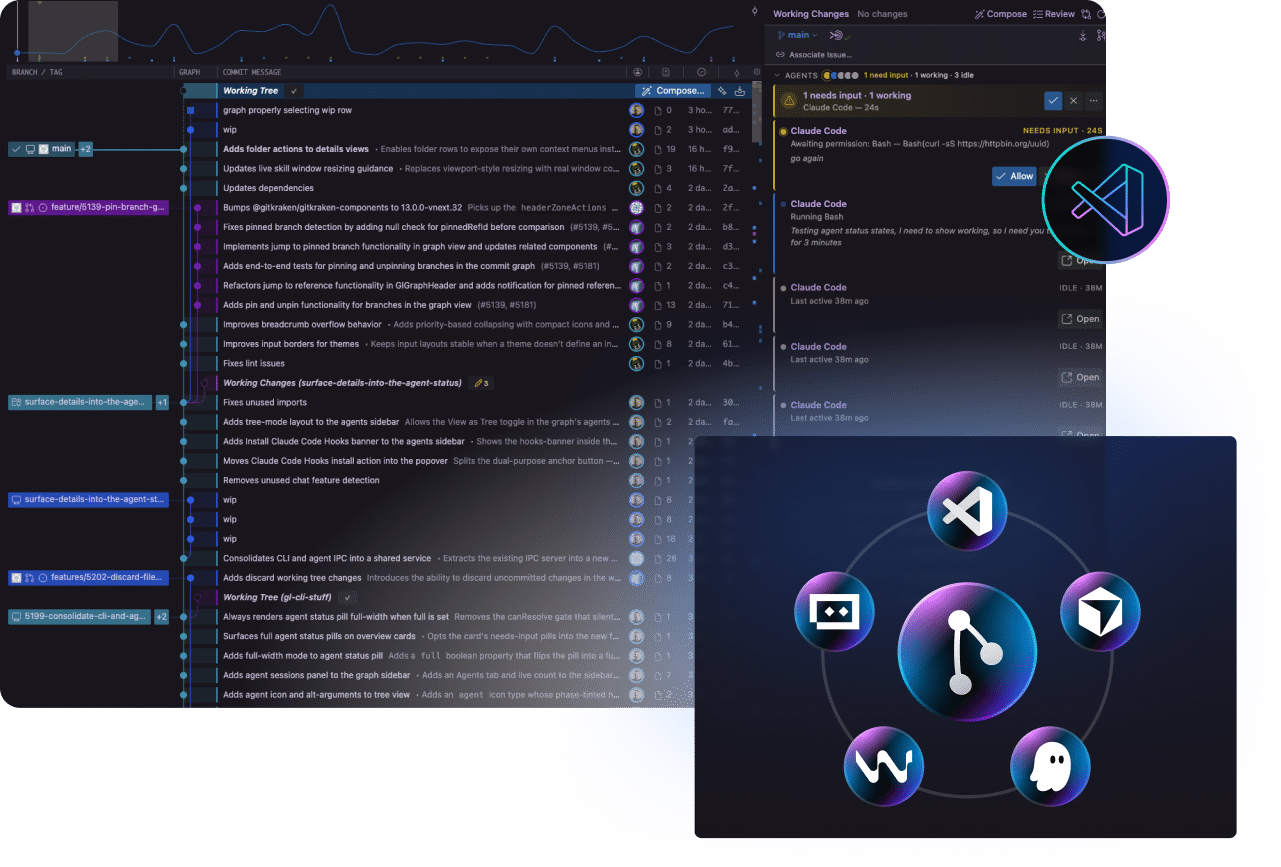
Visual Git client for Windows, Mac and Linux with a commit graph, merge conflict tool and built-in PR workflows.

In the IDE

GitLens

Code history, authorship and context inside VS Code, Cursor, Windsurf and other editors.

AI Agents

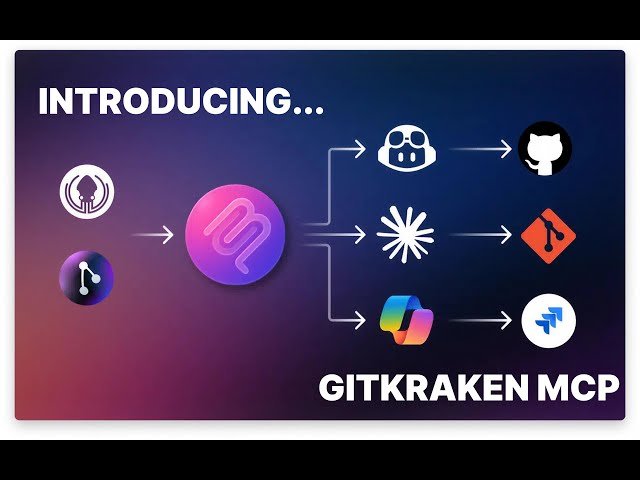
Kepler ADE & GitKraken MCP

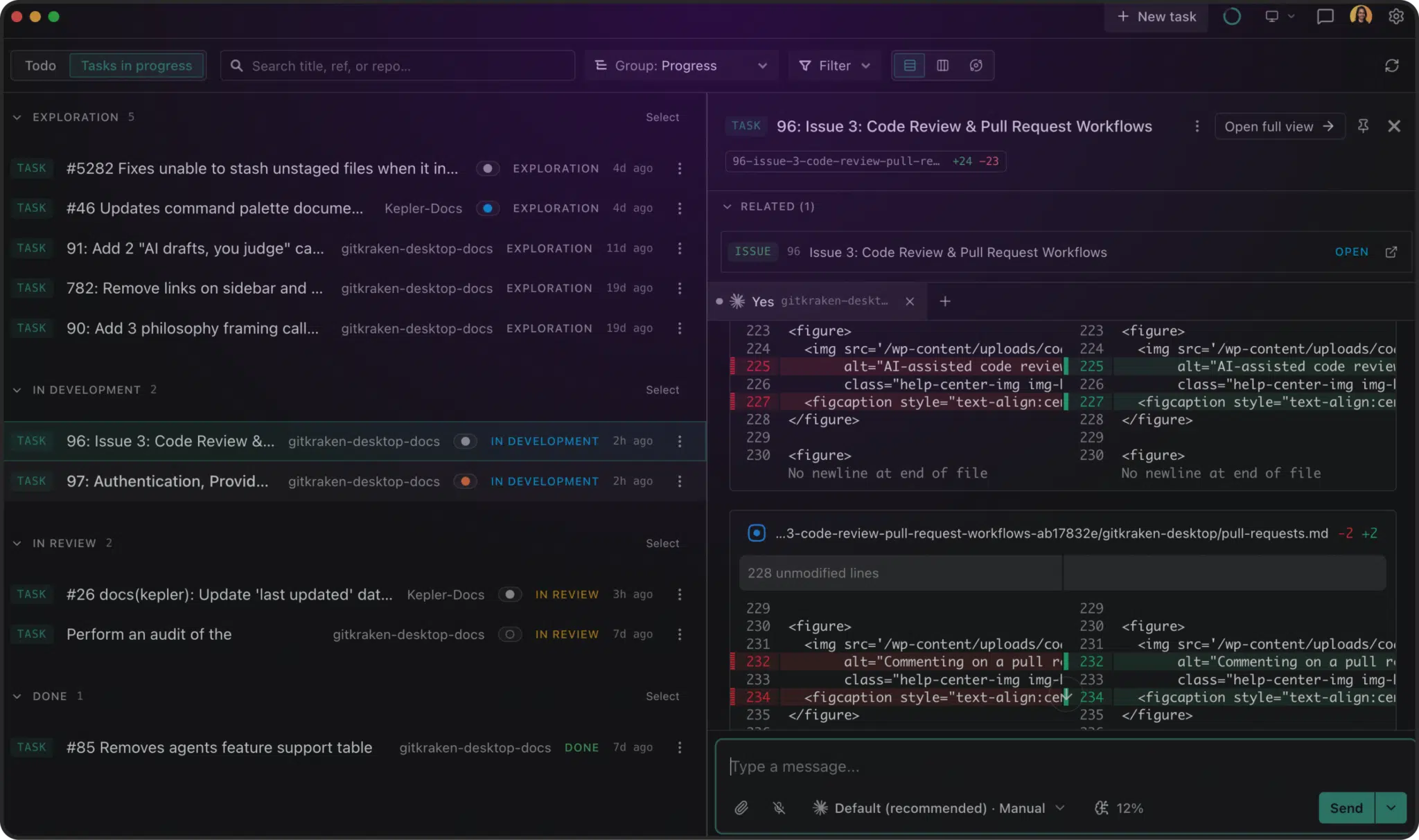
Run, monitor and control AI coding agents, and give assistants real Git context safely.

Team & Leaders

Insights & Jira Integration

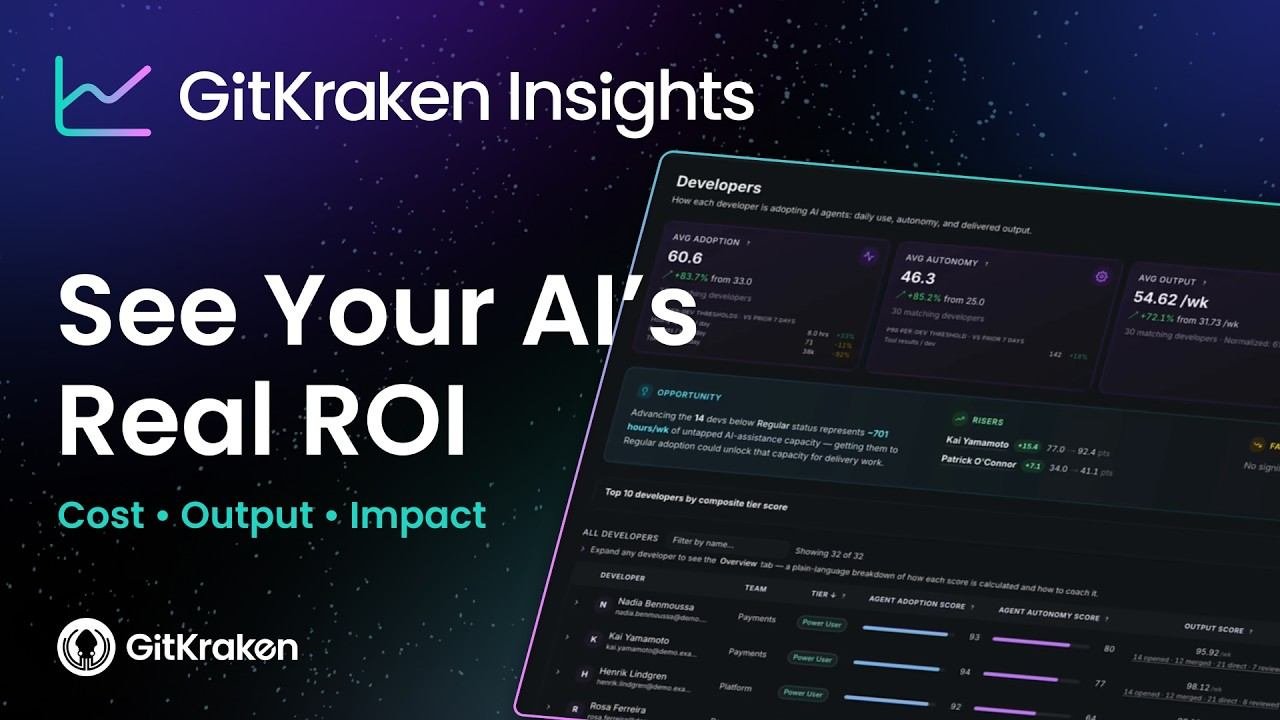
Engineering metrics, DORA insights and live Git activity connected to Jira issues.

GitKraken Portfolio

GitKraken Products for Developers and Engineering Teams

Tools for every way your team works with Git, from the desktop and IDE to the terminal, AI coding agents, Jira and engineering metrics.

For Developers For Engineering Leaders
Visual Git Client

GitKraken Desktop

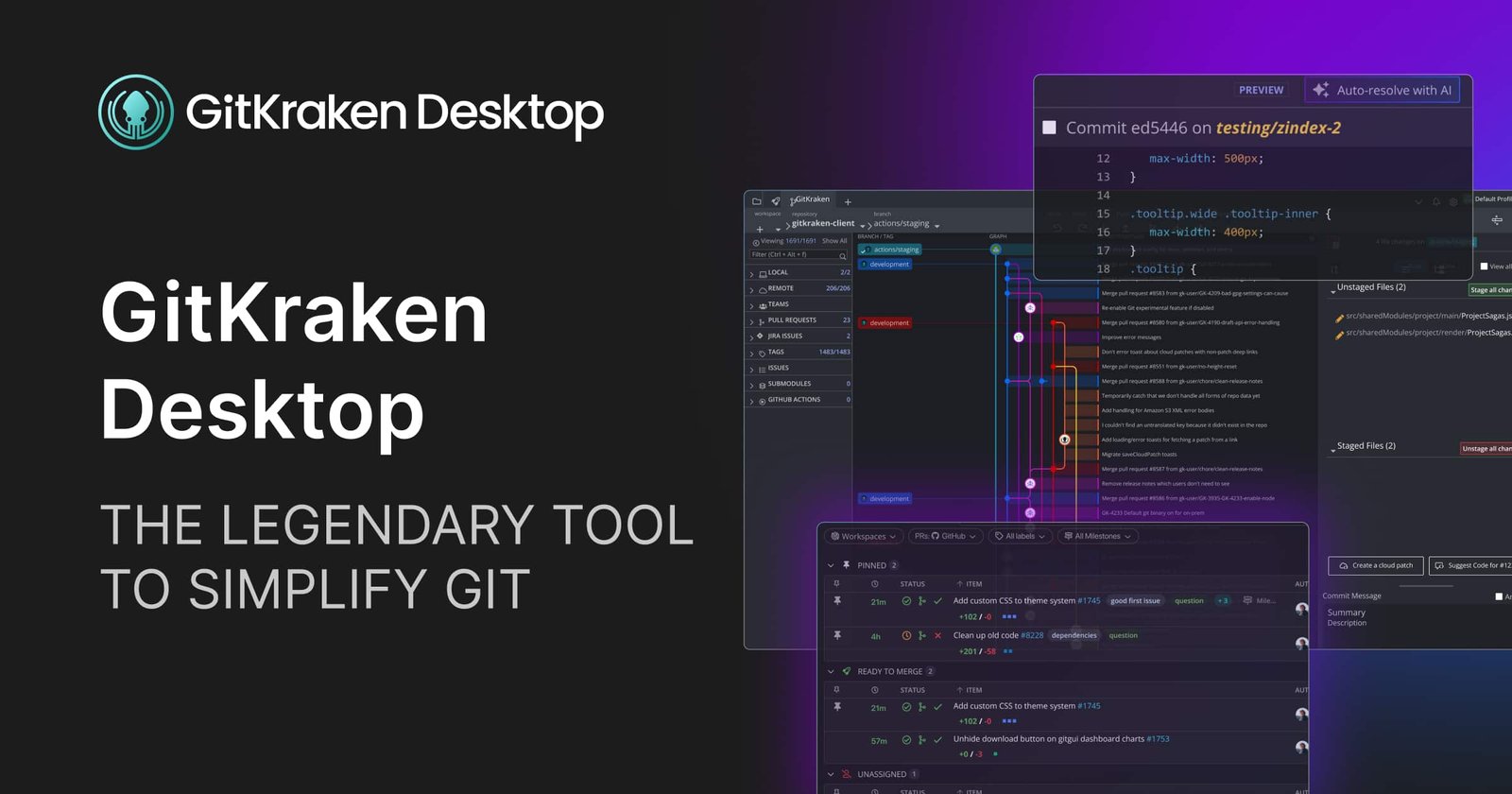
A cross-platform Git client for Windows, Mac and Linux that shows branches, commits and conflicts in one clear visual view.

  • Interactive commit graph
  • Built-in merge conflict resolution
  • Pull request and code review workflows
  • Multi-repo workspaces
View on gitkraken.com
GitKraken Desktop interface
GitKraken Applications

From Plan to Main: GitKraken Across Your Development Workflow

Every stage of delivery, from planning work and writing code to reviewing, merging and measuring it, has a GitKraken tool built to keep code moving with clarity and control.

Plan

Jira Planning & Traceability

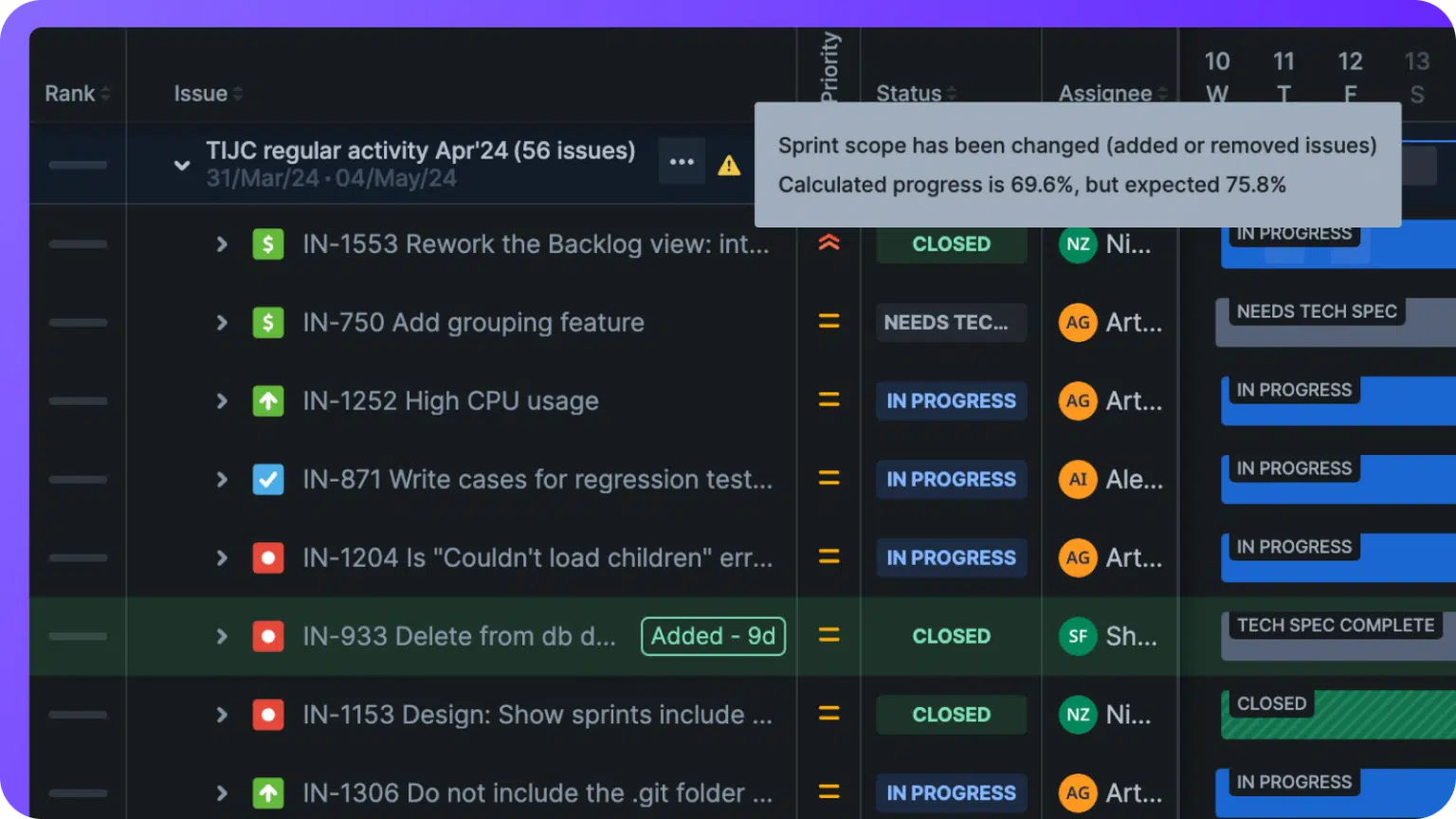
Link commits, branches and pull requests to the Jira issues they move forward.

Git Integration for Jira
01
02
Code

Visual Branch & Repo Management

See branches, commits and history in one graph, across single and multi-repo projects.

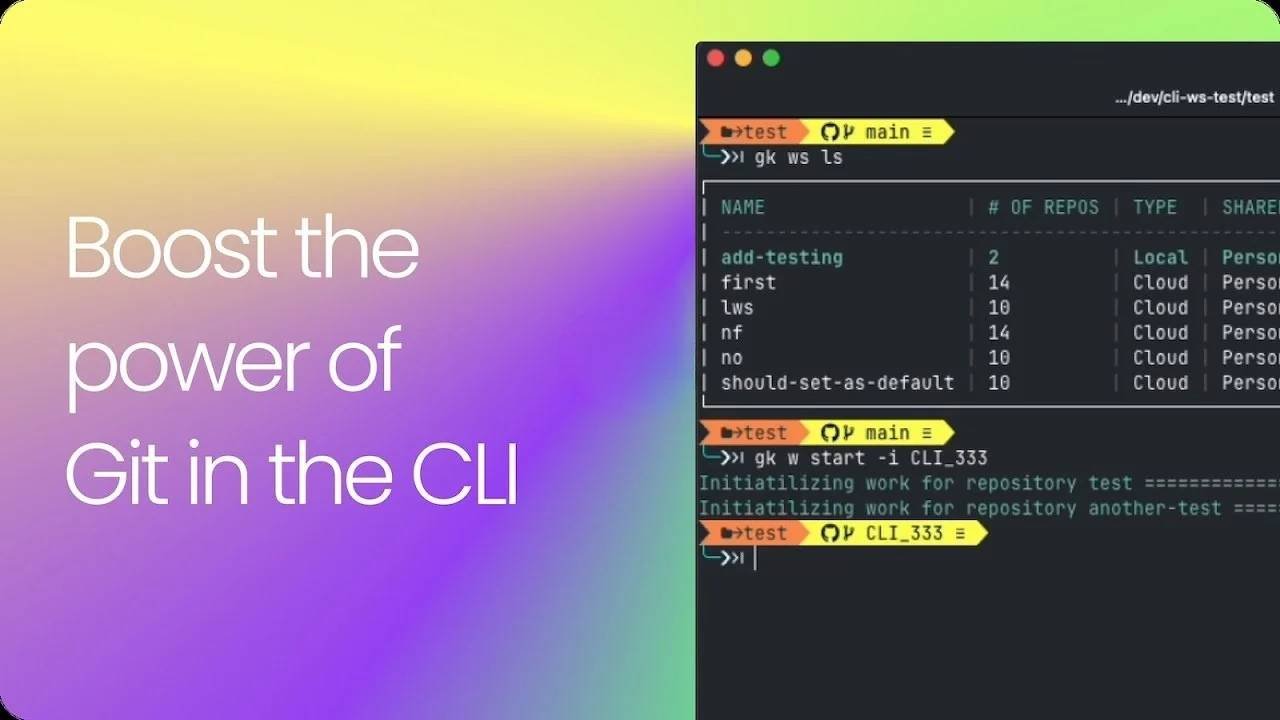
GitKraken Desktop GitLens CLI
Build with AI

AI Agent Control

Run and observe AI coding agents, and give assistants real Git context, without losing control.

Kepler ADE GitKraken MCP
03
04
Review

Pull Requests & Code Review

Track and review PRs from GitHub, GitLab, Bitbucket and Azure DevOps in one place.

Launchpad GitLens
Merge

Merge Conflict Resolution

Spot and resolve conflicts visually before they block delivery.

GitKraken Desktop
05
06
Govern & Measure

Security & Delivery Insights

Manage SSO and access, and measure delivery and AI impact across teams.

Insights Security Controls

Global Developer Tools. Local Expertise.

Why Choose GitKraken Through RN Embedded?

Access GitKraken developer tools with local guidance for product selection, licensing, team onboarding and technical coordination across your development teams.
GitKraken Desktop visual Git client GitKraken Developer Tools
PARTNER
RN Embedded local GitKraken licensing and technical-support network RN Embedded SOLUTIONS PVT LTD. Product & License Selection Team Onboarding & Training Git Platform Integration Local Technical Support

Visual Git and code flow tools from GitKraken.
Local licensing and technical support from RN Embedded.

Contact GitKraken Expert

GitKraken Developer Tools in India

Let’s Discuss Your Team’s Git Workflow Requirement

Connect with RN Embedded for GitKraken product selection, licensing, team onboarding, Git platform and Jira integration guidance, and local technical coordination for your development teams.

Send Your Requirement

Share your team size and requirements, and our team will connect with you.

    Name *

    Phone Number *

    Email Address *

    Requirement *